:format(webp))
:format(webp))
How AI Agents Finally Connect Your CRM, ERP, and CMS — and the hidden architecture you’ll want to know
In this article you’ll get a practical view of what AI agents do for SaaS integration, why they’re different from legacy pipelines, and the exact technical and governance details most vendor pages skip. Read this and you’ll understand how agents keep data current, respect row-level permissions, reduce integration time from weeks to hours, and what to plan for on security and compliance.
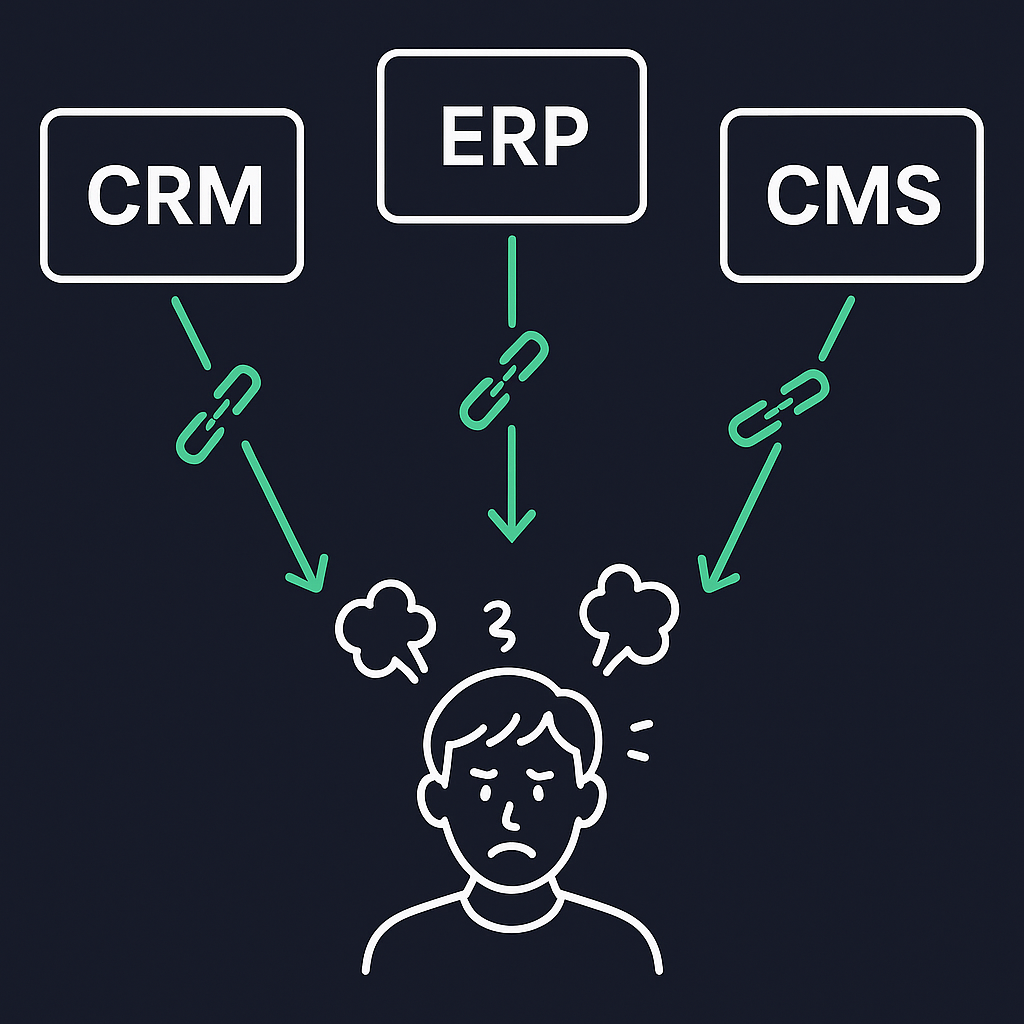
The problem: why disconnected SaaS tools still cost you time and money
Most organizations run many specialized SaaS apps (sales systems, finance/ERP, content platforms) that were never built to talk to each other. That creates data silos, manual work, duplicate records, and fragile point-to-point scripts. Industry research and platform reports describe this fragmentation and the integration burden it creates across modern IT stacks (APIs, webhooks, connectors).
What exactly is an “AI agent” in SaaS integration?
An AI agent is software that reasons about multiple systems, retrieves relevant context, and takes or recommends actions based on policies and prompts. Unlike a single-purpose connector, an agent combines retrieval (pulling data), reasoning (applying models or rules), and execution (updating systems or creating tasks). Vendor and research write-ups explain agent patterns and their role in application connectivity.
How AI agents facilitate real integrations (not just data copies)
AI agents act as intelligent connectors rather than bulk movers. Key capabilities:
Context retrieval: fetch only the records and documents relevant to a task, then reason against them. This is the core of retrieval-augmented approaches as outlined in the OpenAI retrieval guide .
Incremental updates: agents use change data capture (CDC) or incremental sync so their context stays fresh without full reloads. CDC tooling is the backbone for low-latency sync.
Two-way actions: after reasoning, the agent can create or update records (for example, create a ticket in a helpdesk or push an invoice to ERP) via the source system’s APIs.
Capability | Description | Example |
|---|---|---|
Context retrieval | Fetch relevant records for reasoning | Pull customer profile for support ticket |
Incremental updates | Keep context fresh via CDC or sync | Stream invoice changes to ERP |
Two-way actions | Create or update records back to systems | Push new invoice to finance app |
These patterns let agents deliver relevant, current answers and take actions while minimizing moved data and preserving source-of-record integrity.
Why “real-time context” matters: CDC and preventing stale-agent hallucinations
If an agent reasons over stale data, it can confidently make wrong recommendations. Integrations that rely on CDC or incremental change streams keep an agent’s local context current so decisions reflect up-to-the-minute state. Platforms like Confluent illustrate how streaming CDC solutions can maintain continuous change feeds without periodic bulk syncs.
Security and governance you can’t skip: IAM footprints and audit trails
When agents authenticate to SaaS systems they become first-class identities (API keys, OAuth apps, service principals). That creates new audit, licensing, and governance requirements:
Agent identities must be tracked in IAM and included in access reviews and logging. See NIST’s digital identity guidelines in SP 800-63-3 .
You’ll need audit logging that ties agent actions back to an identity and a decision rationale (what context the agent saw, what rule or prompt produced the action). SOC 2–style controls and audit requirements apply; many teams use compliance tooling to manage evidence and logs.
Enforcing row-level and user-level permissions across agents
If an agent could read everything, it would create data leak risk in multi-tenant or role-scoped systems. Successful enterprise deployments enforce source-system permission models end to end:
Enforce row-level security from the original system when an agent retrieves data.
Propagate user context when agents act (act-as-user patterns) or restrict actions to approved service roles, and log the acting identity for audit.
Combining source-driven access controls with connector-side enforcement prevents agents from leaking data outside intended scopes.
Unstructured data: how agent connectors normalize documents, chats, and records
Enterprise knowledge lives in structured records and unstructured blobs (PDFs, email threads, Slack messages). Modern agent connectors:
Extract plain text and metadata, create embeddings or vector representations, and store normalized chunks for retrieval. Vector databases and RAG patterns are common here.
Normalize formats so agents can reason over a single representation rather than bespoke parsers per source.
This lets agents answer questions using a mix of CRM fields, contract PDFs, and conversation history without brittle, source-specific logic.
Architectural difference: AI agents vs. traditional ETL
Traditional ETL / ELT: batch-oriented, aims to move and transform data into a central warehouse for analytics and reporting. Good for long-term historical analysis—see the Fivetran blog on ETL vs. ELT .
AI agents / intelligent connectors: optimized for selective retrieval and real-time reasoning. Agents query live sources or near-real-time indexes and return contextualized answers or actions instead of carrying out bulk data movement.
Feature | ETL/ELT | AI Agents |
|---|---|---|
Data movement | Bulk batch loads | Selective real-time retrieval |
Use case | Analytics and reporting | Operational decisioning |
Latency | Periodic refresh | Near real-time |
Use both where appropriate: ETL for analytics; agents for operational decisioning and workflow automation.
Self-service connection widgets — reduce time-to-value for non-engineers
A recurring customer need is letting business teams connect their apps without engineering involvement. Self-service connection widgets (embeddable OAuth flows, drag-and-drop connector UIs) let end users onboard their SaaS sources safely while the platform enforces least privilege and scoped tokens. Platforms like Zapier’s app directory are built around this principle.
Prebuilt connectors and embedded UI reduce engineering pain and accelerate adoption.
Quantifying integration effort: why prebuilt connectors matter
Custom API integrations can take days or weeks of engineering work (mapping schemas, handling retries, respecting rate limits). Prebuilt connectors encode common mappings, auth flows, and error handling so integrations that once required weeks can be done in hours. Integration-platform vendors describe how connector libraries reduce time-to-production.
Orchestrating many agents: multi-agent workflows across functions
Large organizations benefit from specialized agents (for example, a sales agent, a support agent, a finance agent) coordinated by an orchestration layer:
An orchestration layer routes tasks and context to the right agent, sequences actions, and resolves conflicts (for example, when sales and finance both need to update a customer record). LangChain’s documentation provides examples of agent orchestration patterns .
Orchestration enforces governance rules, retries, and human approval gates where required.
This pattern scales agent-based automation beyond single-use cases.
Compliance packs, audit logging, and prebuilt control frameworks
Enterprises often require HIPAA, SOC 2, or PCI controls for new integrations. Instead of building controls from scratch, many platforms offer compliance packs and built-in audit features (encrypted logs, immutable event trails, evidence gathering) so you can meet regulatory requirements faster. Many vendors integrate compliance tooling directly into engineering practices—refer to the AICPA’s SOC 2 overview above for industry control frameworks.
What autonomy really looks like today
Full agent autonomy—agents that take complex, multi-step actions without human oversight—sounds powerful, but most enterprises deploy agents with human-in-the-loop controls for now. Analyst and vendor pieces observe that enterprise governance, regulatory needs, and operational risk mean human oversight is still common in production deployments. For example, a McKinsey report highlights the gradual adoption curve for truly autonomous agent systems in regulated environments.
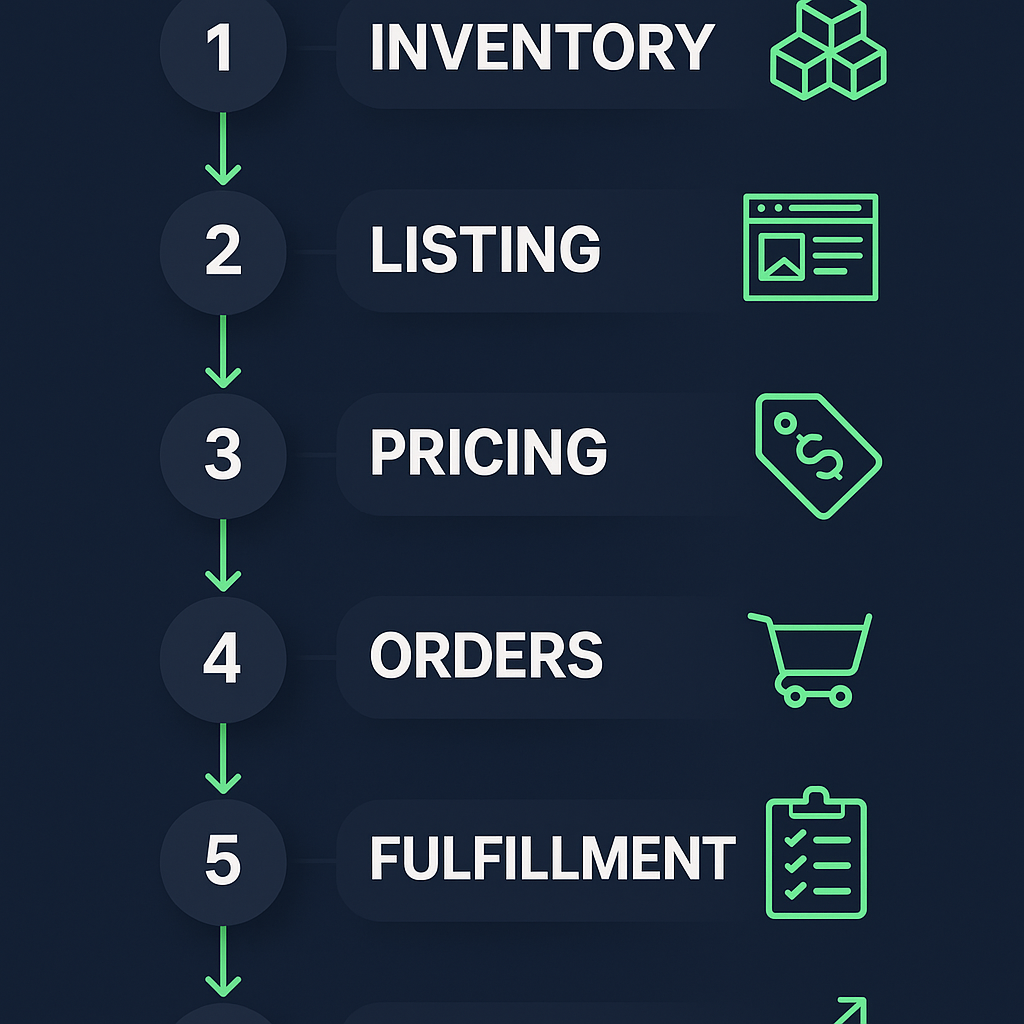
Implementation playbook: a practical sequence you can follow
Inventory systems and prioritize use cases with the biggest ROI (case creation, invoice reconciliation, content synchronization).
Start with read-only retrieval + RAG for non-destructive use cases (knowledge assistants).
Add CDC/incremental sync to maintain near-real-time context.
Add row-level permission enforcement and agent identity management (IAM integration).
Introduce actioning with human approval gates and audit logging.
Scale with multi-agent orchestration and self-service connection widgets for business teams.
A short checklist to review before production
Agent identities appear in your IAM and access reviews.
CDC or incremental sync is in place for critical sources.
Row-level and tenant isolation enforced end-to-end.
Audit logs and compliance evidence collection enabled.
Unstructured sources normalized and indexed for retrieval.
Where this is heading in the next 12–36 months
Expect three trends to accelerate adoption:
Better out-of-the-box connector libraries and compliance packs that reduce vendor lock and implementation time.
Deeper enforcement of source permissions so multi-tenant and regulated deployments are safe by default.
More robust orchestration layers for coordinating specialized agents across lines of business.
Parting shot: a practical decision framework
If you need actionable answers and two-way automation that respects your source-of-record and access controls, AI agents (with CDC, permission enforcement, and orchestration) are the right architecture. If you primarily need historical analytics and wide offloads for reporting, keep your ETL/ELT pipelines.
Finish your planning with these quick next steps:
Pick one high-value use case to prototype (for example, support triage that needs CRM + knowledge base access).
Require CDC and row-level enforcement in the prototype.
Treat agent identities and audit logging as first-class features, not afterthoughts.
Happy to help you map this to your tech stack (which systems you use, how many agents you’d need, and what a minimal secure prototype looks like).
:format(webp))
:format(webp))
:format(webp))