:format(webp))
:format(webp))
How Much Does Beautiful UI/UX Design Really Cost? A Complete Breakdown
When you’re planning a new app or website, it’s tempting to focus just on how great it looks. But behind every smooth interaction and eye-catching screen lies a host of hidden expenses—and benefits—you might not have guessed. Read on, and you’ll discover the main drivers of UI/UX budgets, plus five often-overlooked cost factors that will help you plan smarter and avoid surprises.
Key Factors Driving UI/UX Design Costs
Most guides agree on the basics: scope, complexity, team expertise and location shape your estimate. According to research by Net Solutions, UI/UX design costs can vary widely based on project scope, complexity, and the design agency’s location and expertise .
Common cost elements include:
Discovery & research — user interviews, market analysis
Wireframing & prototyping — low- and high-fidelity mockups
Visual design — color palettes, icons, typography
Testing & iteration — usability testing, feedback rounds
Cost Element | Description |
|---|---|
Discovery & research | user interviews, market analysis |
Wireframing & prototyping | low- and high-fidelity mockups |
Visual design | color palettes, icons, typography |
Testing & iteration | usability testing, feedback rounds |
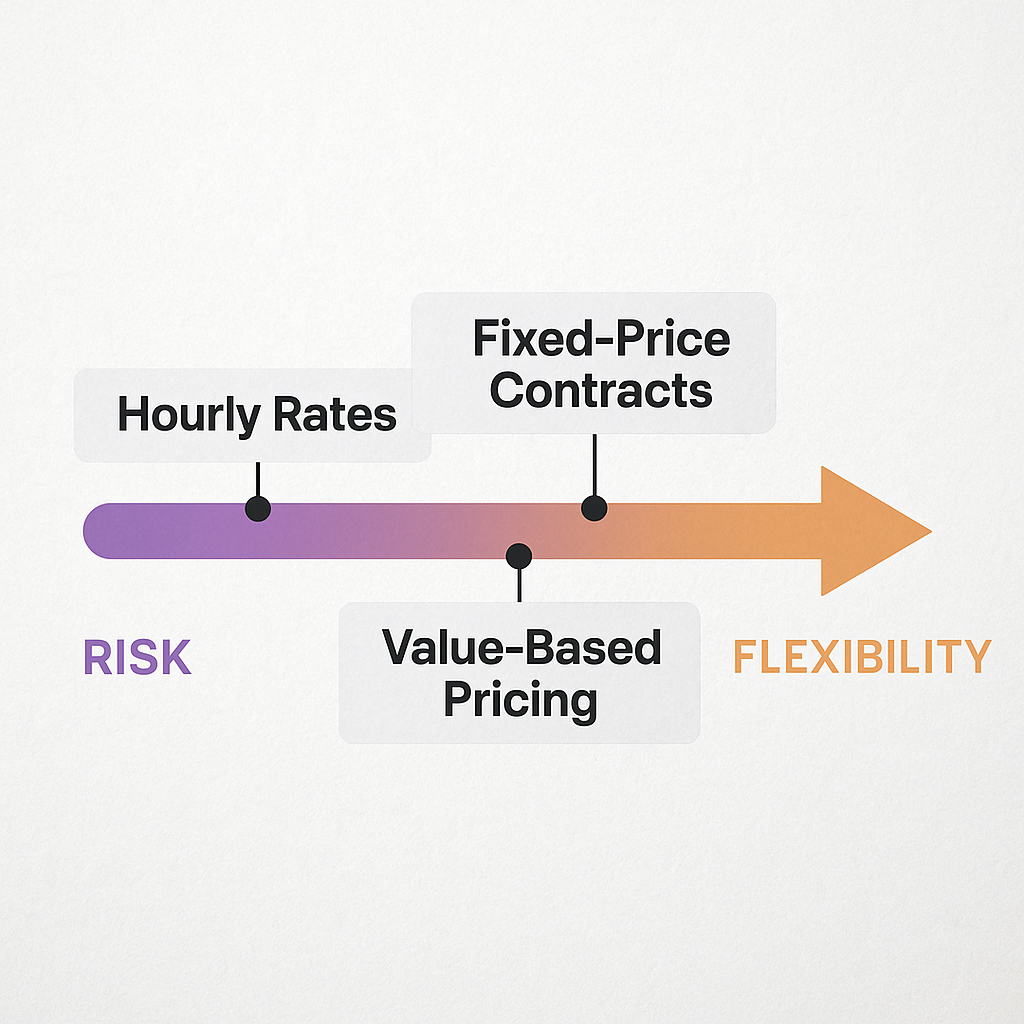
Pricing Models Explained
Hourly rates — pay for every design hour
Fixed-price contracts — capped total based on agreed scope
Value-based pricing — fees tied to business outcomes
Each model shifts risk and flexibility differently. Choose the one that matches how well you’ve defined your goals and budget.
The True Price of Aesthetics: Beyond the Surface
Building a “pretty” interface isn’t just about picking the right shade of blue. As highlighted by UXDesign.cc, you’ll face costs for ongoing revisions, user-driven tweaks, staff training and even the chance you miss more urgent work ( the real cost of building a beautiful UI ).
The Psychology of Aesthetics
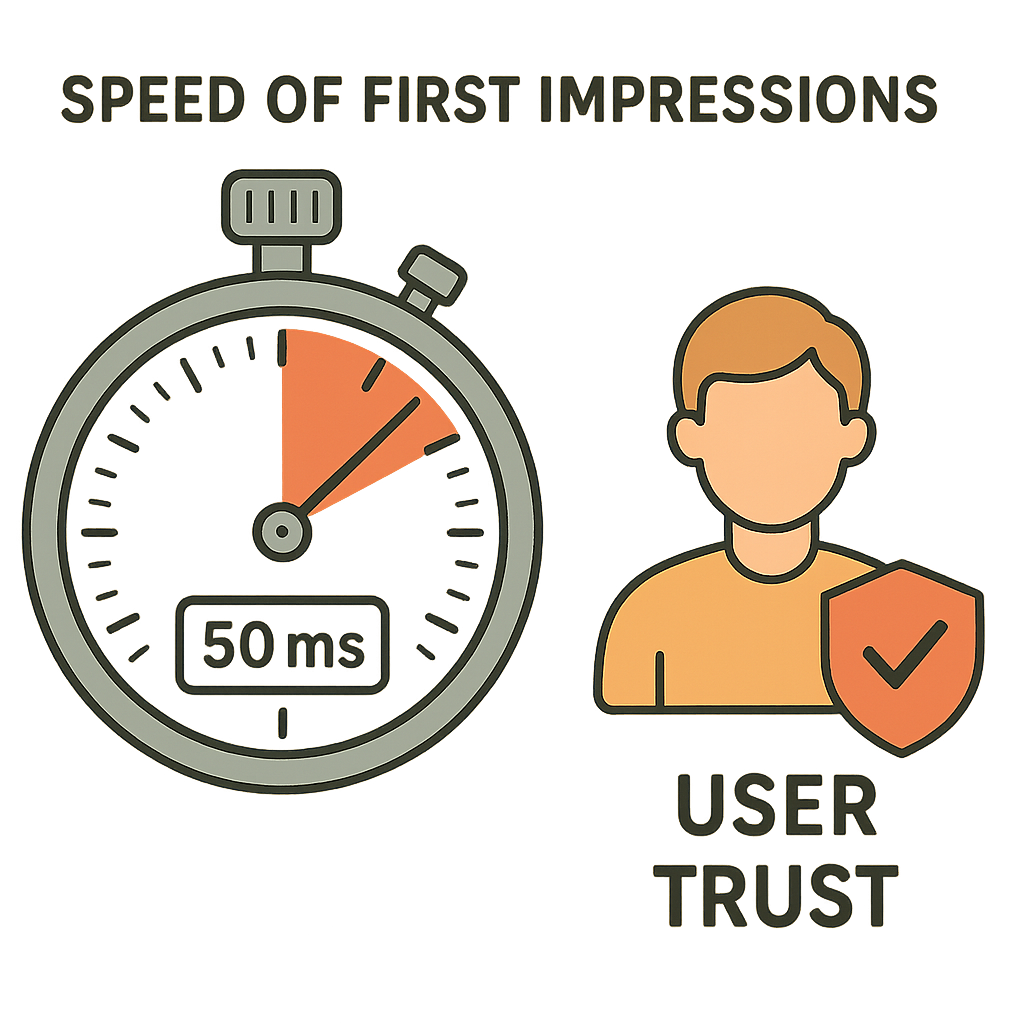
Users form judgments about a site’s trustworthiness and quality in under 100 milliseconds. A landmark 2006 study found that visitors decide if they like a page in as little as 50 ms, highlighting the importance of first impressions in conversion ( 2006 study on webpage first impressions ).
Technical Debt and Long-Term Maintenance Costs
Over-the-top animations or custom components look great at launch but may leave you with messy code. Martin Fowler describes this burden as “ technical debt ”: the extra effort needed later to fix, update or refactor poorly structured work. Every time you add a unique visual effect without clear documentation, you raise future development costs.
Accessibility Compliance as a Cost Multiplier
Designing an interface that’s both beautiful and accessible often takes extra effort. You’ll need:
specialized contrast-checking tools
screen-reader testing
possibly legal advice on regulations like the Americans with Disabilities Act
According to WebAIM’s 2023 analysis, 98.1% of home pages had at least one WCAG 2 failure , suggesting many teams underestimate how much accessible design demands.
Performance Trade-offs: Speed vs. Splendor
High-res images, elaborate animations and heavy JavaScript can slow your pages. Google reports that 53% of mobile users abandon a site that takes more than three seconds to load, making performance optimization crucial for retention ( Google’s mobile page speed insights ).
Optimizing for speed—image compression, code splitting, lazy loading—adds development hours but pays off in engagement and retention.
Staying Fresh: Design Trends and Ongoing Refresh Costs
Trends shift fast. Something that feels modern today may look dated a year from now. To stay on-brand and competitive, plan for periodic updates:
refreshing color palettes
redesigning icons and illustrations
adapting layouts to new devices (foldables, AR interfaces)
Skipping these refreshes can save money in the short term but lead to a patchwork of outdated styles that confuse users.
Optimizing Your UI/UX Budget Without Sacrificing Quality
You don’t have to compromise quality to keep costs in check. Try these tactics:
Define a clear scope and stick to it
Use or build a shared design system
Favor remote experts for routine tasks
Communicate frequently to catch misalignments early
Conduct lean user tests rather than full-scale studies
Tactic | Benefit |
|---|---|
Define a clear scope and stick to it | Prevents scope creep and unexpected costs |
Use or build a shared design system | Ensures consistency and speeds up design |
Favor remote experts for routine tasks | Reduces costs and taps global talent |
Communicate frequently to catch misalignments early | Minimizes rework |
Conduct lean user tests rather than full-scale studies | Gathers feedback quickly and cost-effectively |
Your Roadmap to Sustainable, Stunning Design
By the time you wrap up your planning, you’ll understand both the obvious and hidden costs of a beautiful interface. You’ll know how to balance user appeal, technical upkeep, accessibility and performance, all while keeping an eye on evolving trends. Implement these insights, and you’ll turn design into a calculated investment rather than a guessing game.
:format(webp))
:format(webp))
:format(webp))