:format(webp))
:format(webp))
React Native vs Web Apps in 2025: A Complete Guide
By the end of this article, you’ll understand when to pick React Native for mobile and when a web app (including PWAs) makes more sense. You’ll also get advanced tips on code sharing, offline support, SEO, distribution and more.
What Is React Native?
React Native is an open-source framework by Meta that lets you build mobile apps using JavaScript and React. It renders native UI components, giving you near-native performance on iOS and Android while sharing business logic across platforms through the React Native official documentation .
What Is a Web App?
A web app runs in the browser. You can build one with frameworks like ReactJS, Angular or Vue. It uses HTML, CSS and JavaScript to deliver a user interface that works on desktops, tablets and phones, as explained in the [MDN Web Docs overview of web applications](https://developer.mozilla.org/en-US/docs/Learn/Gettingstartedwiththeweb/Whatisawebapplication).
Key Differences at a Glance
Aspect | React Native | Web |
|---|---|---|
Performance | Native rendering, 60 fps possible. | Depends on browser engine and network. |
UI/UX | Uses platform-standard components. | Fully customizable but can feel inconsistent across browsers. |
Development Speed | Hot reload speeds up mobile testing. | Instant reload, broad tooling. |
Cost | One codebase for two platforms may reduce dev hours. | Single codebase, no app-store fees. |
Security | Leverages mobile OS security. | Depends on HTTPS, CORS, CSP. |
Maintenance | Native module updates needed as OSes evolve. | Better backward compatibility across browsers. |
Performance
React Native: Native rendering, 60 fps possible.
Web: Depends on browser engine and network.
UI/UX
React Native: Uses platform-standard components.
Web: Fully customizable but can feel inconsistent across browsers.
Development Speed
React Native: Hot reload speeds up mobile testing.
Web: Instant reload, broad tooling.
Cost
React Native: One codebase for two platforms may reduce dev hours.
Web: Single codebase, no app-store fees.
Security
React Native: Leverages mobile OS security.
Web: Depends on HTTPS, CORS, CSP.
Maintenance
React Native: Native module updates needed as OSes evolve.
Web: Better backward compatibility across browsers.
Performance Showdown
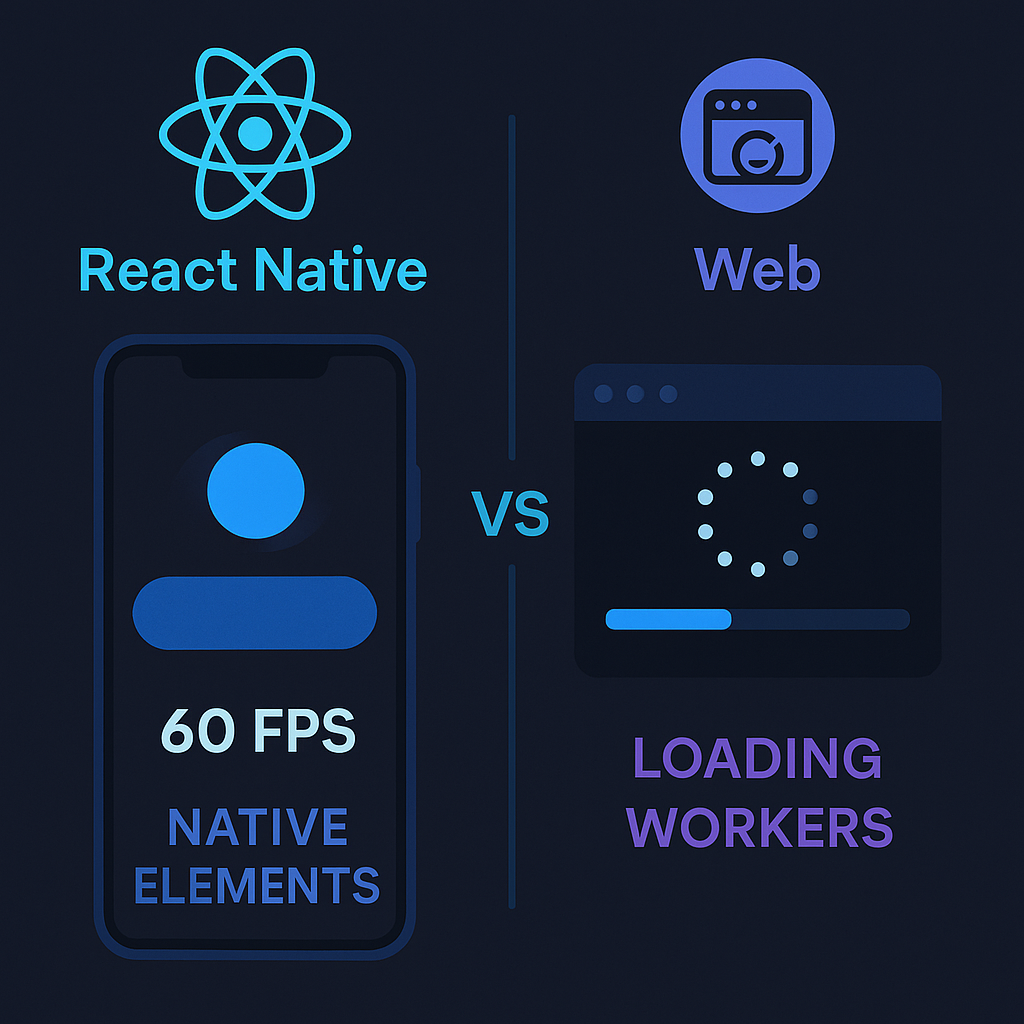
Web apps rely on the JavaScript engine in your browser; React Native uses compiled native code. That means smoother animations and lower input lag in RN, but modern browsers with service workers and HTTP/2 can deliver fast load times under 3 s using service workers .
UI/UX Differences
React Native taps into each platform’s design language out of the box. Web apps offer pixel-perfect control but require more work to mimic native gestures or status bars.
Styling Approach
React Native: Styles in JS like `{ padding: 16, backgroundColor: '#fff' }`.
Web: CSS, Sass, CSS-in-JS (Emotion, Styled Components).
Development Speed and Cost
React Native’s “write once, run anywhere” promise can significantly cut mobile dev time compared to separate native builds, thanks to shared components and a unified toolchain that reduces overhead for testing and deployment.
Security and Maintenance
Mobile OSes sandbox apps and enforce permissions for camera, GPS, etc. Web apps depend on HTTPS, secure cookies and Content Security Policy (CSP). On the flip side, browsers maintain long-term compatibility, while RN may need updates for new Android or iOS versions.
Advanced Comparison Areas
1. Progressive Web Apps (PWAs) as an Alternative
PWAs bridge the gap:
Offline support with service workers
Push notifications via Web Push API
Installable on home screen without app stores
PWA users engage 37% more often, according to Google Developers on PWA engagement .
2. Code Sharing Strategies
Strategy | Tools/Description |
|---|---|
Monorepo | Nx, Lerna |
React Native Web | Run RN components in the browser |
Shared utility libraries | Reuse business logic across projects |
Monorepo with tools like Nx or Lerna
React Native Web to run RN components in the browser
Shared utility libraries for business logic
“Kent C. Dodds said, “React Native Web lets you share 95% of code between web and mobile”,” as noted in his Twitter thread .
3. Device-Specific Features and Limitations
React Native: Access native modules for camera, sensors, BLE.
Web: Limited to standardized Web APIs (Camera via `getUserMedia()`, GPS via Geolocation API).
4. App Store vs Web Distribution
Distribution Channel | Approval Time | Discoverability | Update Cycle/Fees |
|---|---|---|---|
React Native | 1–3 days (App Store) | App Store / Google Play charts | Tied to store review |
Web App | Instant deployment | SEO-driven | No store fees |
React Native
App approval: 1–3 days, per Apple App Store review guidelines .
Discoverability via App Store / Google Play charts
Update cycles tied to store review
Web App
Instant deployment
SEO-driven discovery
No store fees
5. SEO and Discoverability
93% of online experiences start with a search engine, based on Imforza SEO Statistics . Web apps win here—React Native apps can’t be crawled by Google or Bing.
6. Offline Functionality
React Native: Uses packages like AsyncStorage or SQLite for offline data persistence (see the AsyncStorage GitHub repository ).
Web: Service workers and IndexedDB for caching and storage.
7. Accessibility Considerations
Web: ARIA roles, `alt` attributes, semantic HTML following WAI-ARIA Authoring Practices .
React Native: Platform-specific accessibility props (`accessibilityLabel`, `accessibilityRole`).
8. Third-Party Plugin Ecosystem
Web: Vast NPM libraries, mature and well-tested.
React Native: Growing ecosystem but native module compatibility can lag OS updates.
9. Long-Term Maintenance and Technical Debt
React Native apps may need native module rewrites when new OS features appear. Web apps typically don’t break when browsers auto-update.
10. Analytics and User Tracking
Web: Google Analytics, Segment, Hotjar.
React Native: react-native-google-analytics-bridge or Firebase Analytics—requires native setup via the Firebase Analytics documentation .
11. App Size and Performance Optimization
Web: Tree-shaking, code splitting.
React Native: Avoid large native modules, use Hermes JS engine for smaller bundle size.
12. Community and Ecosystem Trends
React Native’s new Fabric renderer improves performance and interoperability.
Web: React 18’s concurrent features boost responsiveness in complex UIs.
When to Pick React Native vs Web App
Use React Native if you need:
App-store presence and native look & feel
Heavy use of device hardware (sensors, background geolocation)
Offline mobile use without browser chrome
Opt for a Web App or PWA if you want:
Instant updates and universal browser reach
SEO and organic discoverability
Lower maintenance costs over time
Your Next Steps
Whether you build mobile-first with React Native or reach everyone via the web, the tools and strategies above will guide you to the right choice. Assess your audience, feature needs and long-term roadmap before you commit—and happy coding!
:format(webp))
:format(webp))
:format(webp))