:format(webp))
:format(webp))
Mastering Infinite Queries in React with TanStack Query
By the end of this guide, you’ll know how to implement infinite scrolling with TanStack Query, handle loading and error states, debug pagination issues, and apply advanced techniques—like React’s concurrent rendering, streaming updates, memory management, accessibility, and SEO-friendly server-side rendering.
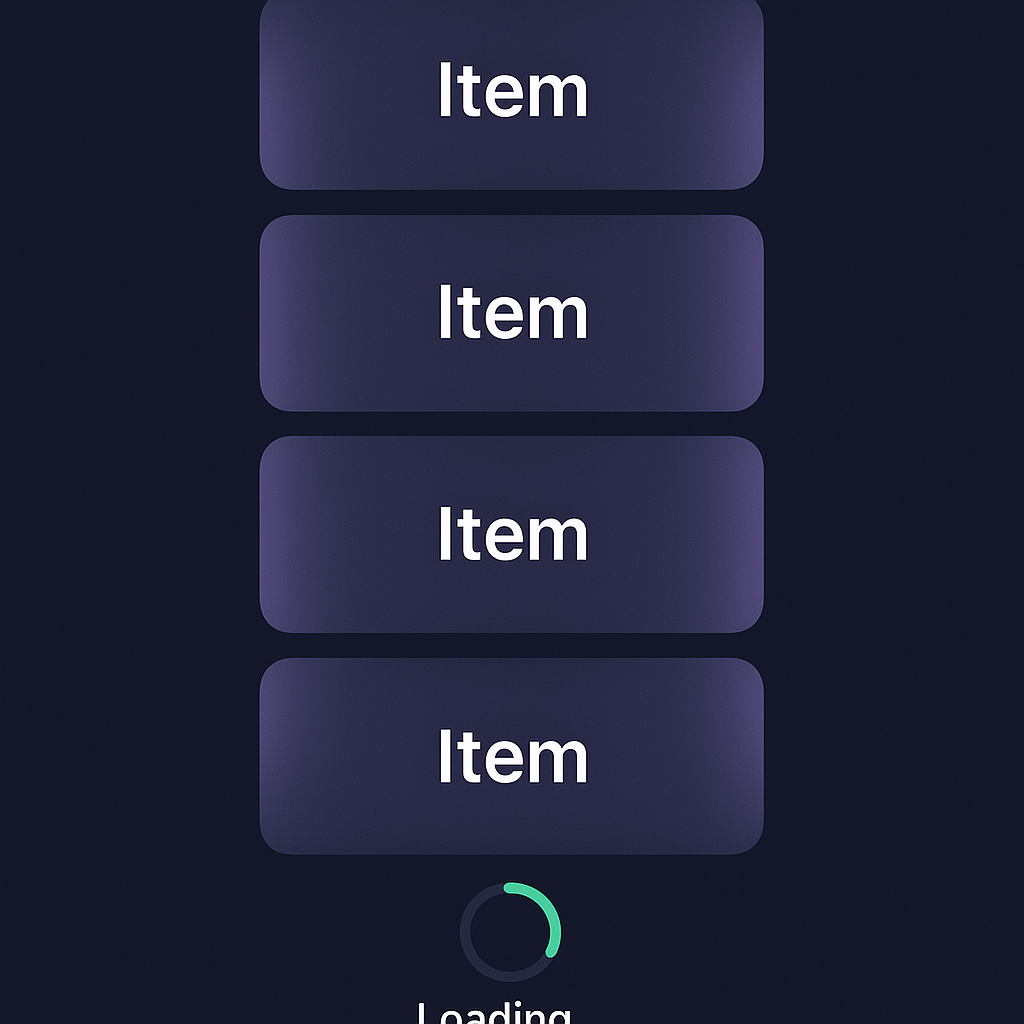
Getting Started with Infinite Queries
To fetch pages of data on demand, TanStack Query offers the useInfiniteQuery hook reference .
Install TanStack Query
npm install @tanstack/react-querySet up the QueryClient
import { QueryClient, QueryClientProvider } from '@tanstack/react-query';

const queryClient = new QueryClient();

function App() {

return (

<QueryClientProvider client={queryClient}>

<YourComponent />

</QueryClientProvider>

);

}
Define your API call
async function fetchItems({ pageParam = 1 }) {

const res = await fetch(`/api/items?page=${pageParam}`);

return res.json();

}
Implementing `useInfiniteQuery`
import { useInfiniteQuery } from '@tanstack/react-query';


const {

  data,

  fetchNextPage,

  hasNextPage,

  isFetchingNextPage,

  status,

  error,

} = useInfiniteQuery(

  ['items'],

  fetchItems,

  {

    getNextPageParam: (lastPage) =>

    lastPage.nextPage ?? false,

  }

);
`getNextPageParam`: Return the next page number or `false` when done.
`fetchNextPage()`: Triggers loading of the next page.
`hasNextPage`: `true` if more pages are available.
`isFetchingNextPage`: `true` while the next page is loading.
Property | Description |
|---|---|
data | Contains the loaded pages of data. |
fetchNextPage | Function to trigger loading of the next page. |
hasNextPage | Boolean indicating if more pages are available. |
isFetchingNextPage | Boolean that's true while the next page is loading. |
status | Status string representing the query's current state (e.g., 'loading'). |
error | Error object if the query failed, otherwise undefined. |
Rendering and “Load More” Button
return (

  <div>

    {data.pages.map((page) =>

      page.items.map((item) => <Item key={item.id} data={item} />)

    )}

    <button

      onClick={() => fetchNextPage()}

      disabled={!hasNextPage || isFetchingNextPage}

    >

      {isFetchingNextPage

        ? 'Loading...'

        : hasNextPage

        ? 'Load More'

        : 'No More Items'}

    </button>

    {status === 'error' && <p>Error: {error.message}</p>}

  </div>

);
Handling Loading, Error, and Empty States
Global status: `status` can be `'loading'`, `'error'`, or `'success'`.
Page-level loading: use `isFetchingNextPage` and `hasNextPage`.
Empty data: Check `data.pages[0].items.length` before rendering.
Quote:
“Providing clear feedback during pagination ensures users aren’t left wondering if more content exists.” – Sarah Drasner
Debugging `getNextPageParam` Issues
When `fetchNextPage` never fires, check:
API response shape
Ensure JSON includes the page token or number:
{

  "items": [...],

  "nextPage": 3

}
Correct key access
getNextPageParam: (lastPage) => lastPage.nextPageEdge cases
Return `false` or `undefined` when no more pages exist to stop further calls.
Issue | Description | Solution |
|---|---|---|
Missing `nextPage` in API response | API does not return the next page token or number in the response. | Update API to include a `nextPage` field with each response. |
Incorrect key access in getNextPageParam | Retrieving the wrong property from the API response for pagination. | Ensure `getNextPageParam` correctly accesses `lastPage.nextPage`. |
Edge case handling: no more pages | Pagination does not stop when there are no more pages to fetch. | Return `false` or `undefined` from `getNextPageParam` to end fetching. |
Advanced Techniques
React 19’s Concurrent Features and Infinite Scroll
React’s concurrent rendering (introduced in React 18) enables nonblocking UI updates during data fetching. The upcoming React 19 is expected to refine concurrent transitions, making infinite scroll smoother by:
Letting high-priority UI updates interrupt page loads
Preventing “jank” when appending new items
Integrating Real-Time Data Streams
For live feeds—chat, notifications, or stocks—combine WebSockets or Server-Sent Events with infinite queries:
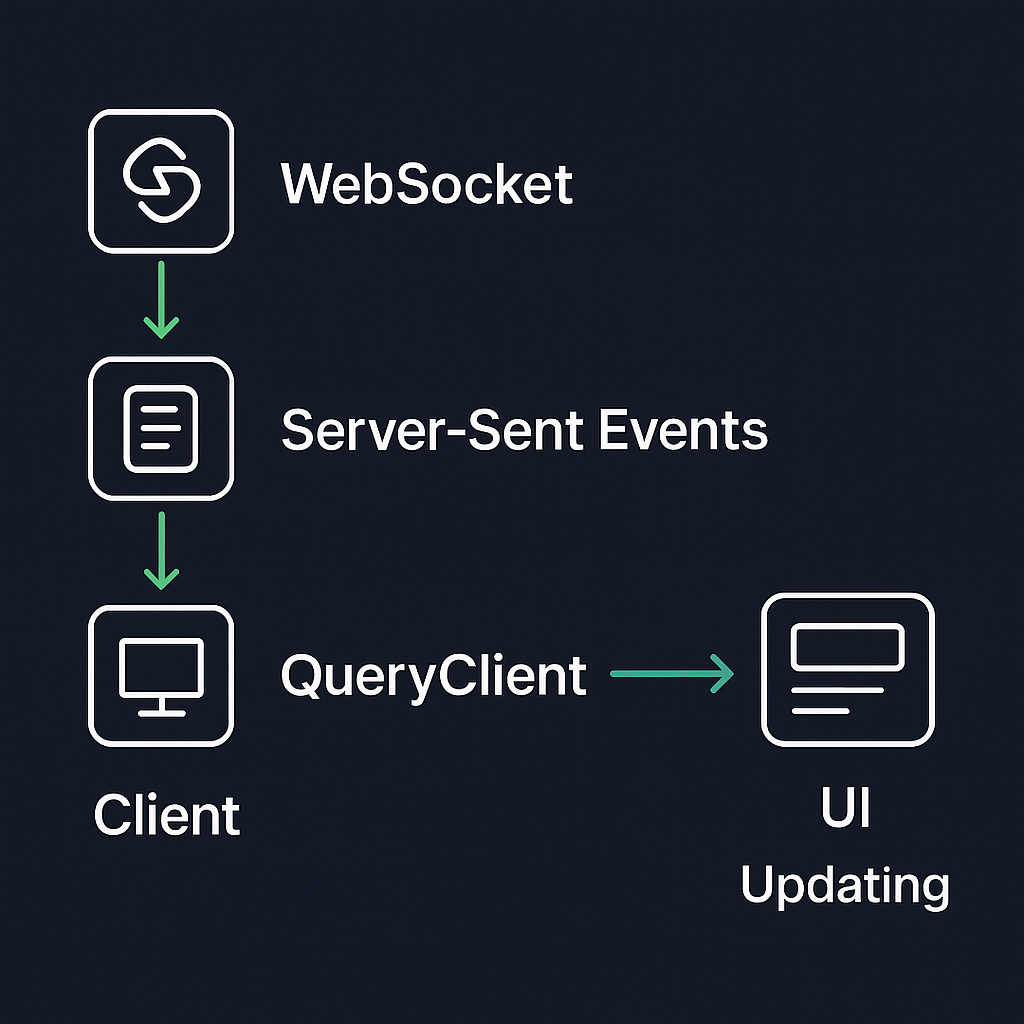
Open a WebSocket
const socket = new WebSocket('wss://example.com/stream');On message, invalidate queries
socket.onmessage = () => {

queryClient.invalidateQueries(['items']);

};
SSE alternative
const evtSource = new EventSource('/api/stream');

evtSource.onmessage = (e) => {

queryClient.invalidateQueries(['items']);

};
Sources:
– WHATWG Server-Sent Events specification
Managing Memory with Cache Eviction and Windowing
When dealing with hundreds of pages:
Cache aging:
new QueryClient({ defaultOptions: { queries: { cacheTime: 1000 60 5 }, // 5 minutes }, });Windowing: Keep only the nearest pages in state. After appending new pages, drop the oldest:
const pages = data.pages.slice(-10);
This prevents unbounded memory growth in long sessions.
Making Infinite Scroll Accessible
Wrap your list in a landmark and enable screen readers to announce new items:
<div role="feed" aria-live="polite">

{items.map(...)}

</div>
Manage keyboard focus: Move focus to newly loaded content or keep it on the “Load More” button.
Refer to the WAI-ARIA Authoring Practices 1.1 for detailed guidance.
SSR and SEO Considerations
Server-rendering infinite lists ensures search engines index initial content:
Hydration: Pre-fetch the first page on the server.
const dehydratedState = dehydrate(queryClient);Streaming SSR in React 18:
<Root>

  <React.Suspense fallback={<Loading />}>

    <YourApp />

  </React.Suspense>

</Root>
Browser receives HTML as it’s generated, improving Time to First Byte.
See the Streaming Server Rendering section of the React 18 blog for full details.
For SEO, include proper `<link rel="next">` and `<link rel="prev">` tags in your `<head>` for crawlers.
Final Scroll Tips
By combining TanStack Query’s infinite query API with React’s concurrent features, streaming updates, cache controls, accessibility best practices, and SSR strategies, you’ll build lists that feel both fast and robust. Start experimenting today to deliver endless content without overwhelming users or servers.
:format(webp))
:format(webp))
:format(webp))